Smart Digital Podium
Dual-Screen Synergy, Full Control at Your Fingertips | Smart Classroom & Meeting Room Control Podium
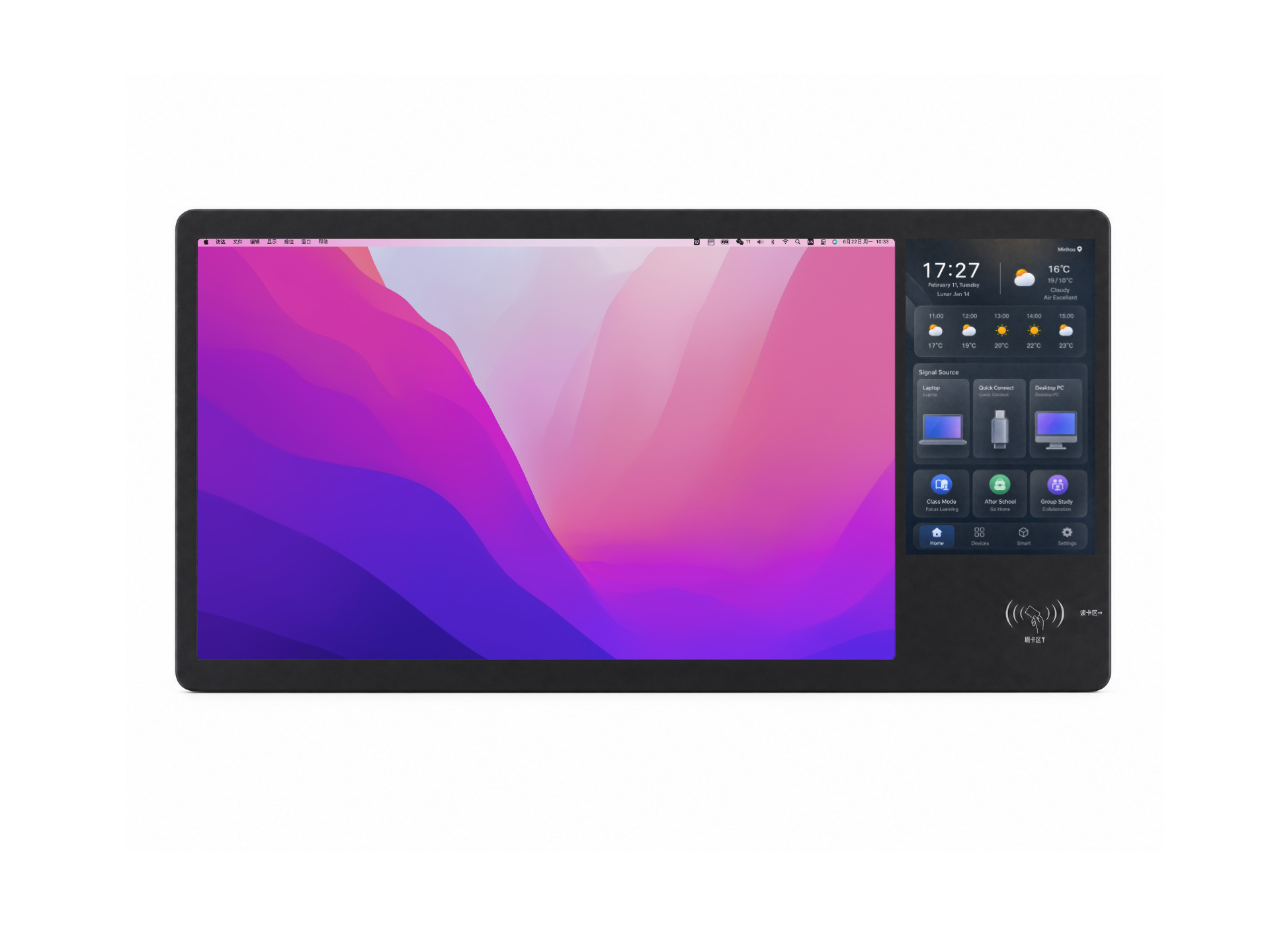
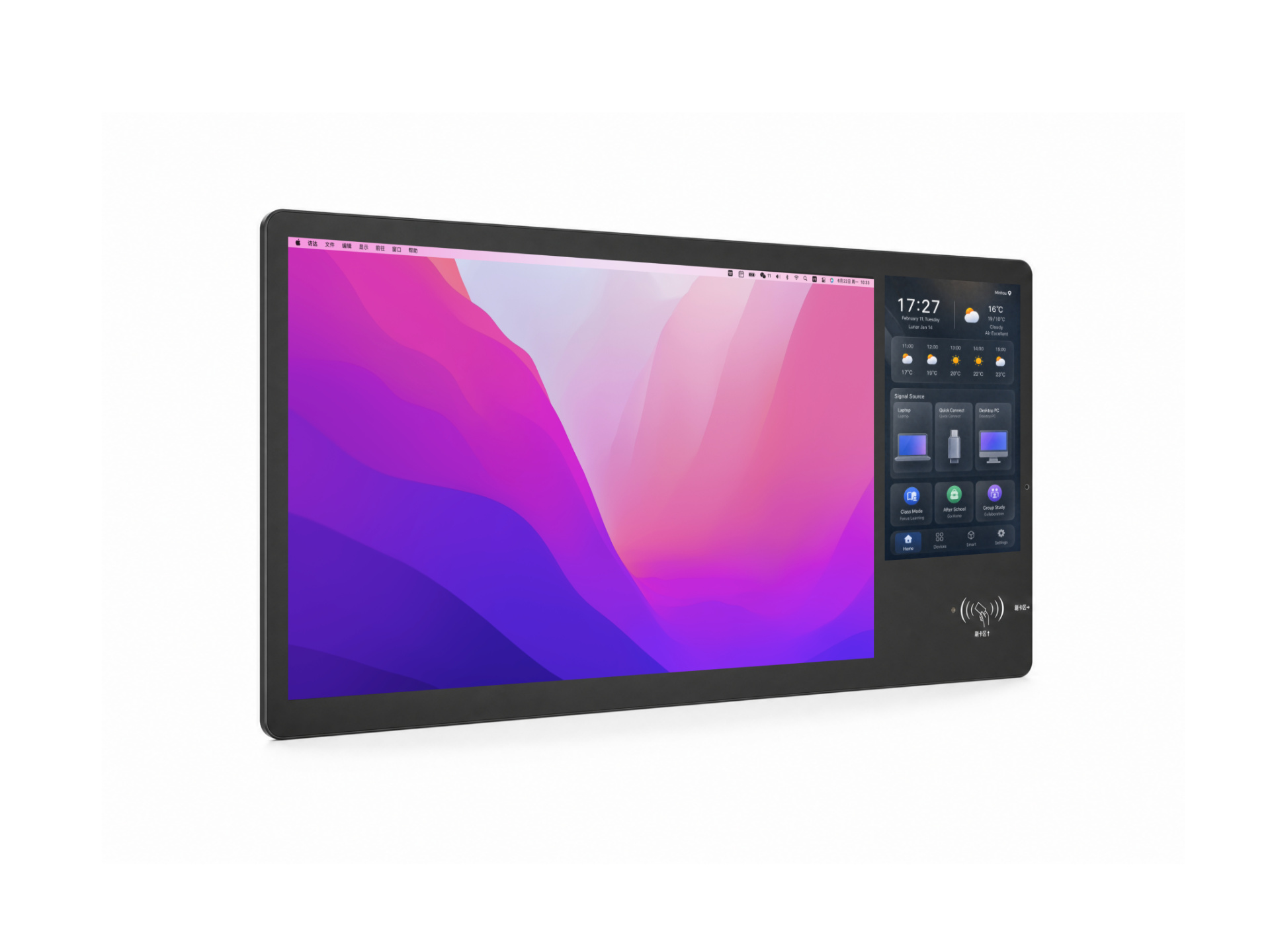
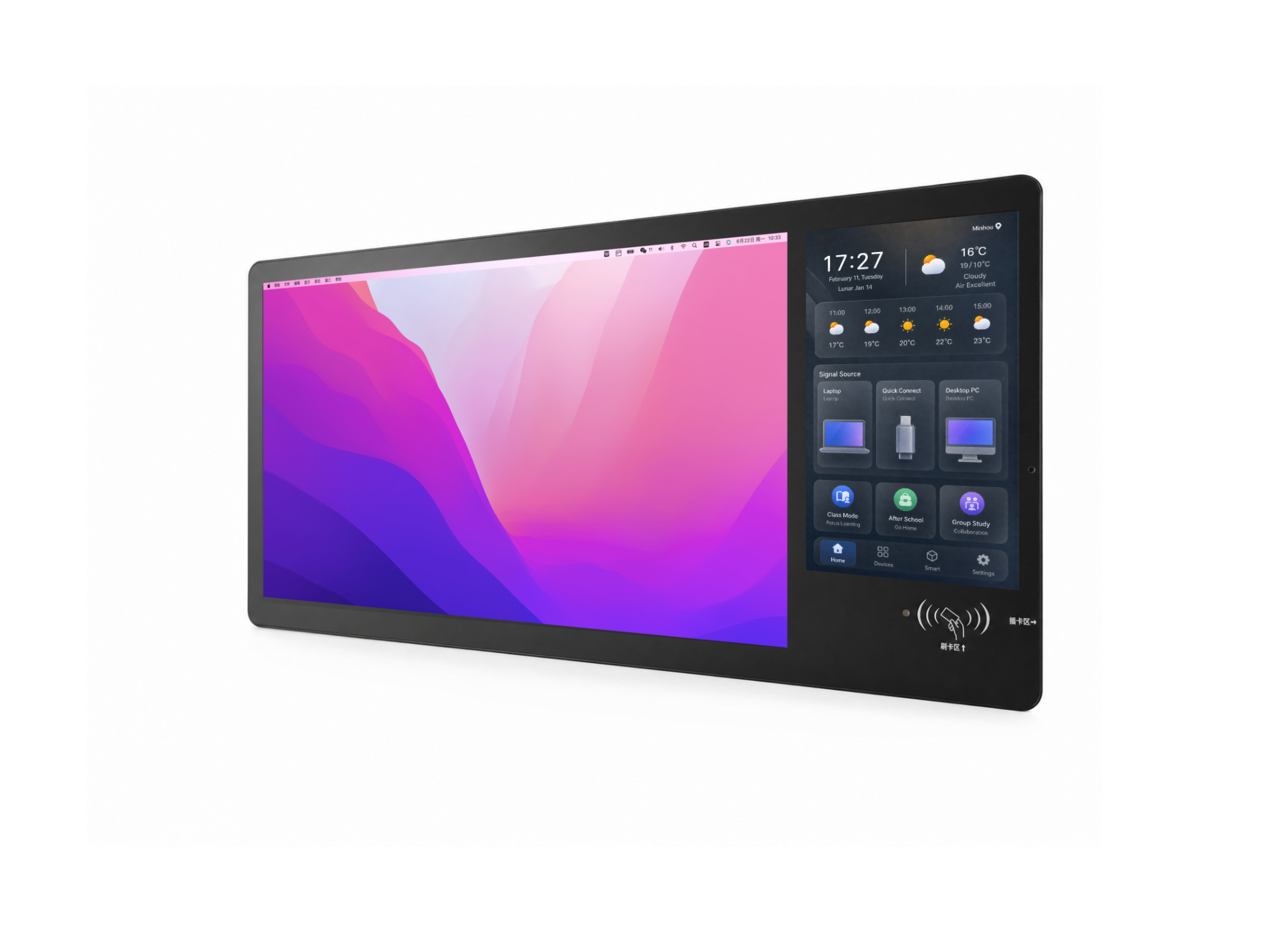
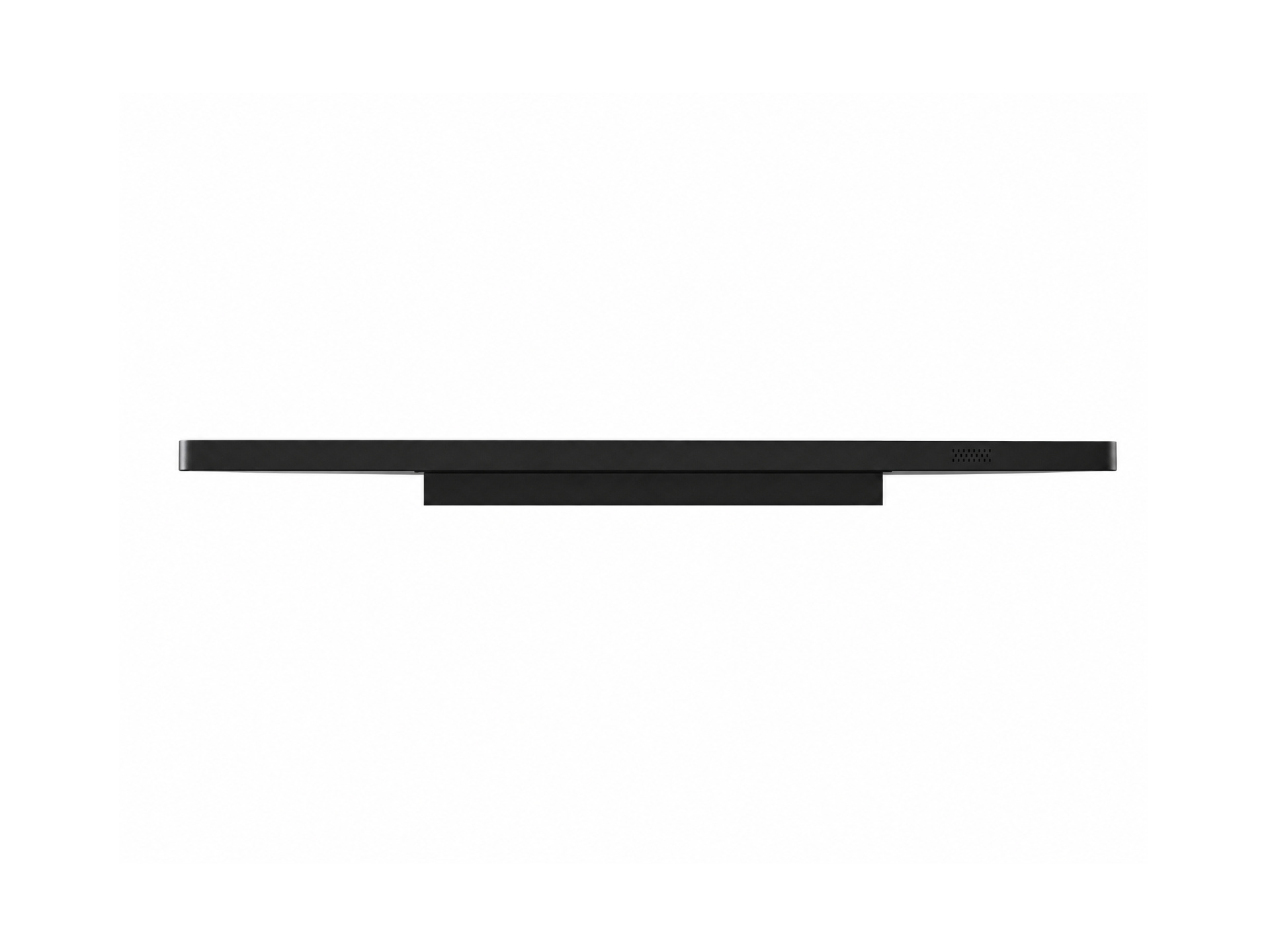
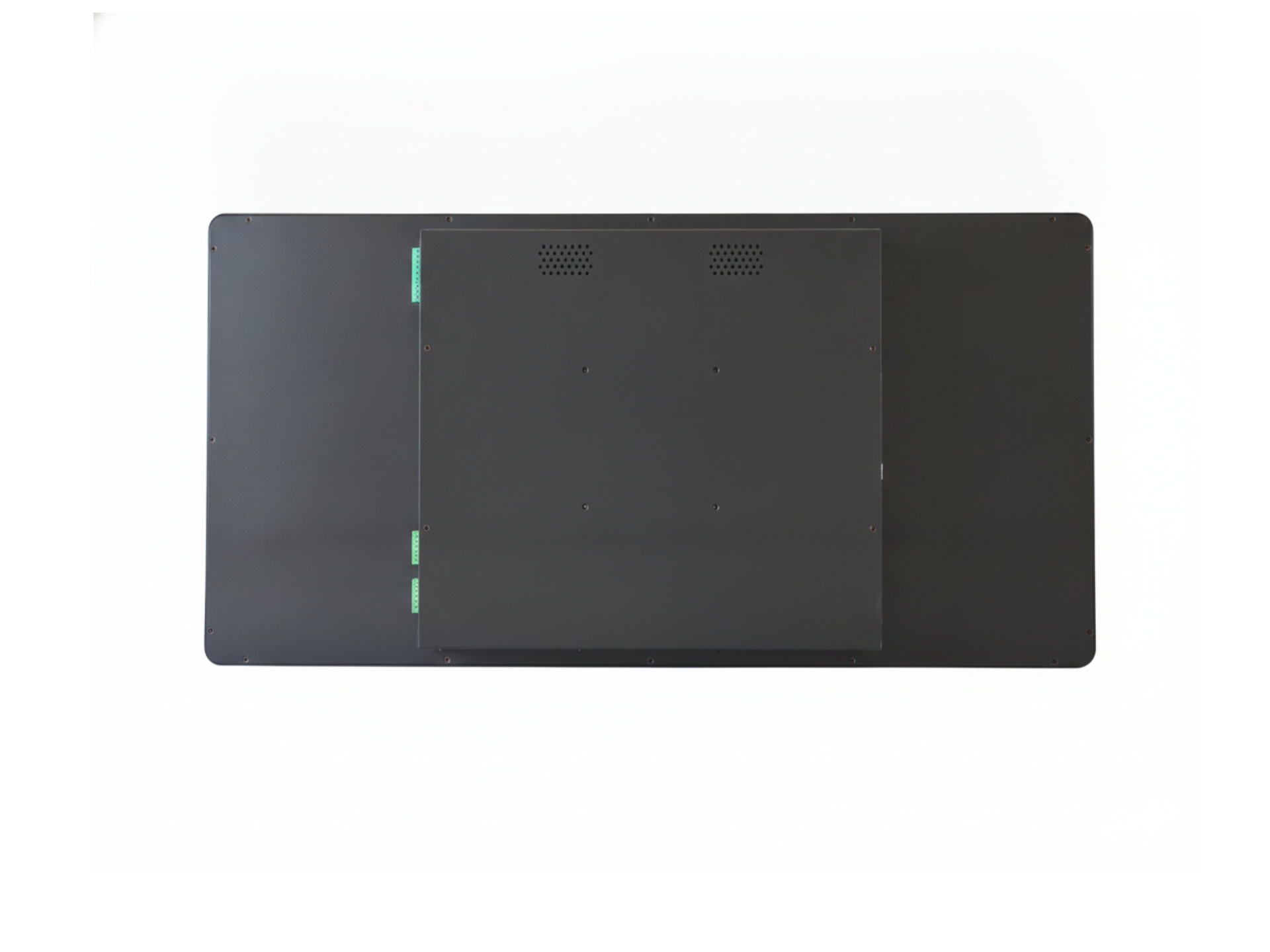
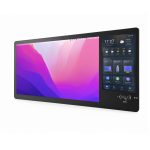
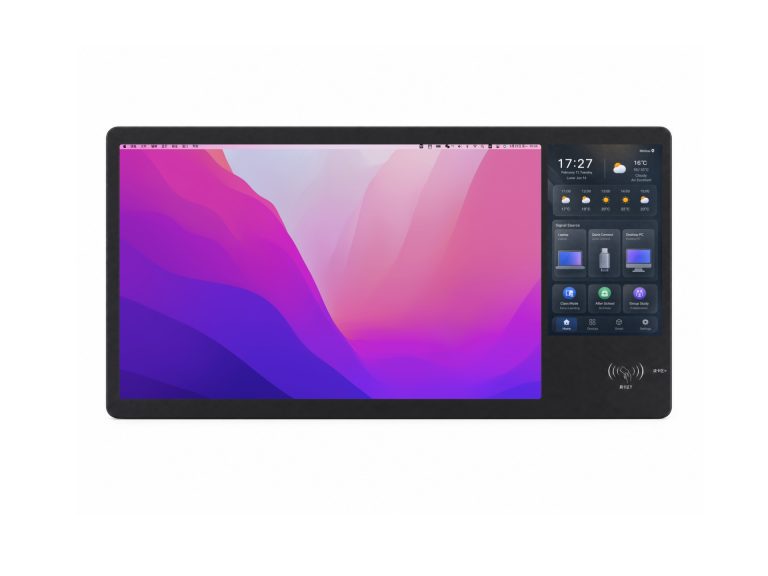
Smart Digital Podium is a dual-screen smart control terminal designed for smart classrooms, smart meeting rooms, lecture halls and auditoriums. It features an integrated 23.8-inch main display and 10.1-inch secondary screen. The main display focuses on course materials, presentations and data, and can connect to a PC or TV, or be equipped with an OPS module to become a standalone computer. The secondary screen handles device control and signal routing, managing lights, AC, blinds, projectors, recording and audio through the IoT Core Platform. The two screens run independently and work in synergy, letting teachers and presenters switch content and control the entire room without leaving the podium.
Core Capability
Dual-Screen Synergy and Centralized Control, Redefining Smart Spaces
Dual Independent Displays, Each with Its Own Role
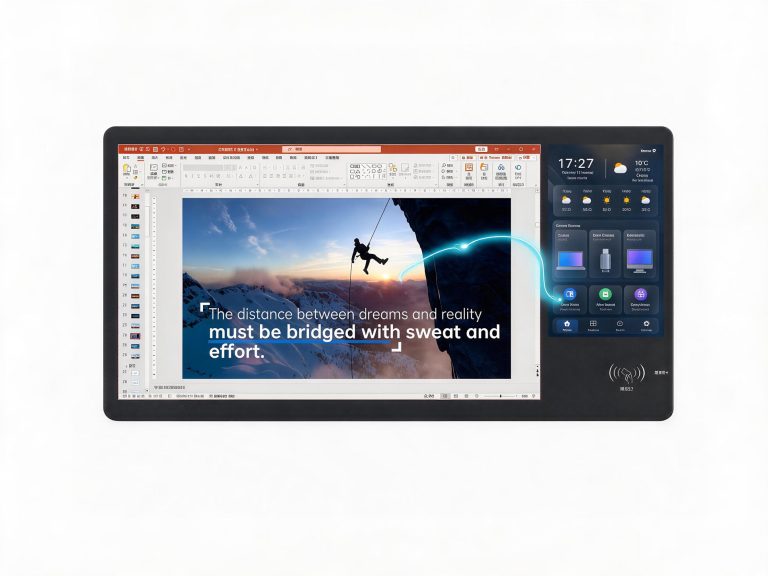
The 23.8-inch main display focuses on content – it can connect to a PC or TV, or be equipped with an OPS module to become a standalone computer. The 10.1-inch secondary screen handles device control and signal routing. Independent operation, no interference.
Dual-Screen Synergy, Flexible Content Routing
The secondary screen flexibly routes the main display's signal sources: OPS built-in PC, external laptop, and TV/all-in-one display signals. Teachers and presenters stay at the podium – content switching flows seamlessly, and class or meeting rhythm is never interrupted.
Powered by IoT Core Platform, Unified Device Control
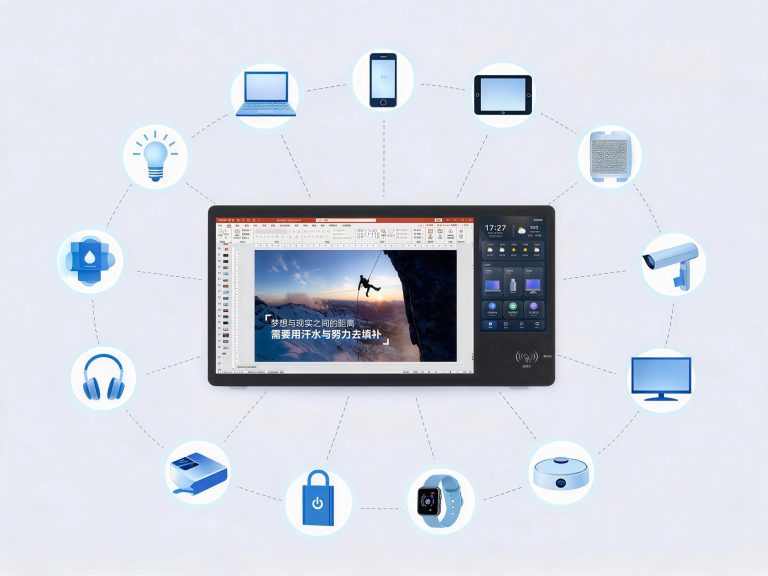
Powered by the IoT Core Platform, the secondary screen centrally controls lights, AC, blinds, projectors, recording and audio. Supports scene linkage such as class mode and meeting mode, with all devices ready in one tap.
More Features
Full Coverage, Multi-scenario Adaptation

Multi-Protocol Compatible
Supports Wi-Fi, Bluetooth, Zigbee, RS485, RS232, Ethernet and more, compatible with a wide range of IoT devices.

Scheduled Power On/Off
Custom schedules for multiple time slots and holidays

Automatic Fault Alerts
Remote notifications for device faults, faster maintenance response

OTA Remote Upgrade
Online firmware updates, continuously delivering new features

Scene Linkage
One-click scene switching for class mode, meeting mode and more.

Data Reporting & Analytics
Automatic reporting of device operation data – usage insights at a glance.
Technical Specifications
Precision Engineering, Premium Specifications
Application Scenarios
Breaking Boundaries, Empowering Diverse Spaces
Smart Classroom
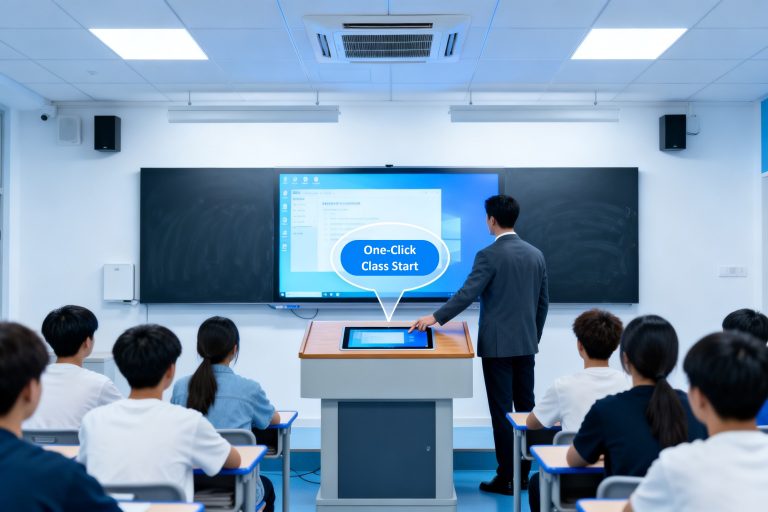
Teachers stand at the Smart Digital Podium – the main display shows course materials while the secondary screen manages classroom lights, AC, blinds and recording. One-tap class mode means no back-and-forth, so teachers stay focused on teaching.
Smart Meeting Room
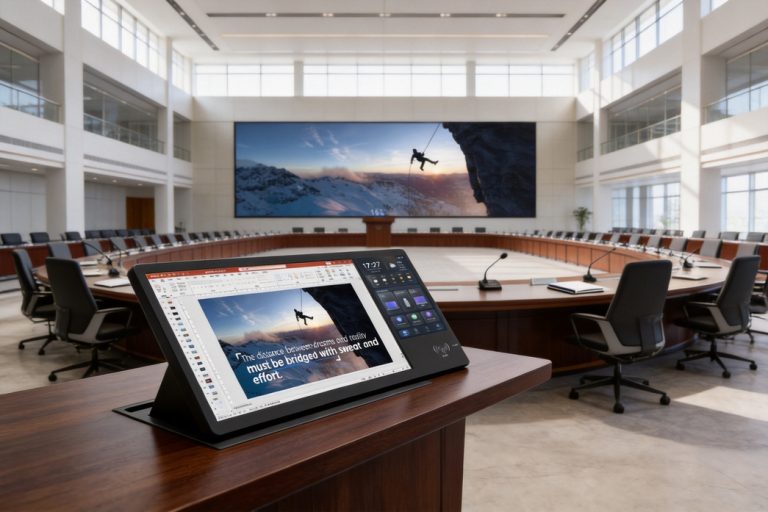
The main display drives the presentation while the secondary screen controls the projector, blinds and audio. Presenters stay in the flow – no more searching for remotes, with signal switching and device control done by touch.
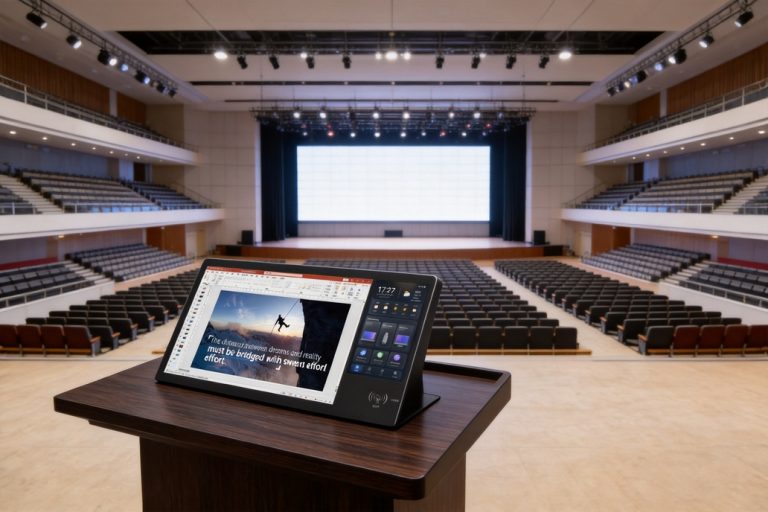
Lecture hall/ Auditorium
The main display presents lecture content while the secondary screen switches sources and manages lighting, audio and recording. Speakers stay in rhythm – everything runs smoothly in the background.
FAQ
Frequently Asked Questions About Smart Digital Podium
Contact Us
Expert Consultancy Services by Professional Specialists
Contact Us
We are here to help you anytime.
-
Headquarters Address
Haiqiao High-Tech Industrial Park, Cangshan, Fuzhou, Fujian, China
-
Consultation Phone
-
Business Email
-
Working Hours
Monday to Friday 9:00 - 18:00
(Beijing Time GMT+8)