
What Is Digital Art Signage? A Complete Guide for 2026
Introduction
Walk into a modern hotel lobby, a high-end art gallery, or a corporate headquarters, and you might notice something different about the artwork on the walls. The paintings shift. The photographs rotate. A welcome message appears alongside a landscape, then fades into a new exhibition preview.
This isn't magic—it's digital art signage. Specifically, it's a wall art digital signage display: a screen designed to look and feel like a framed painting, but capable of displaying any digital content you choose.
If you've ever wondered how these displays work, whether they're right for your space, or how they compare to traditional frames, this guide covers everything you need to know. We'll explain what digital art signage is, how it functions, where it's used, and how to choose the right solution for your needs.
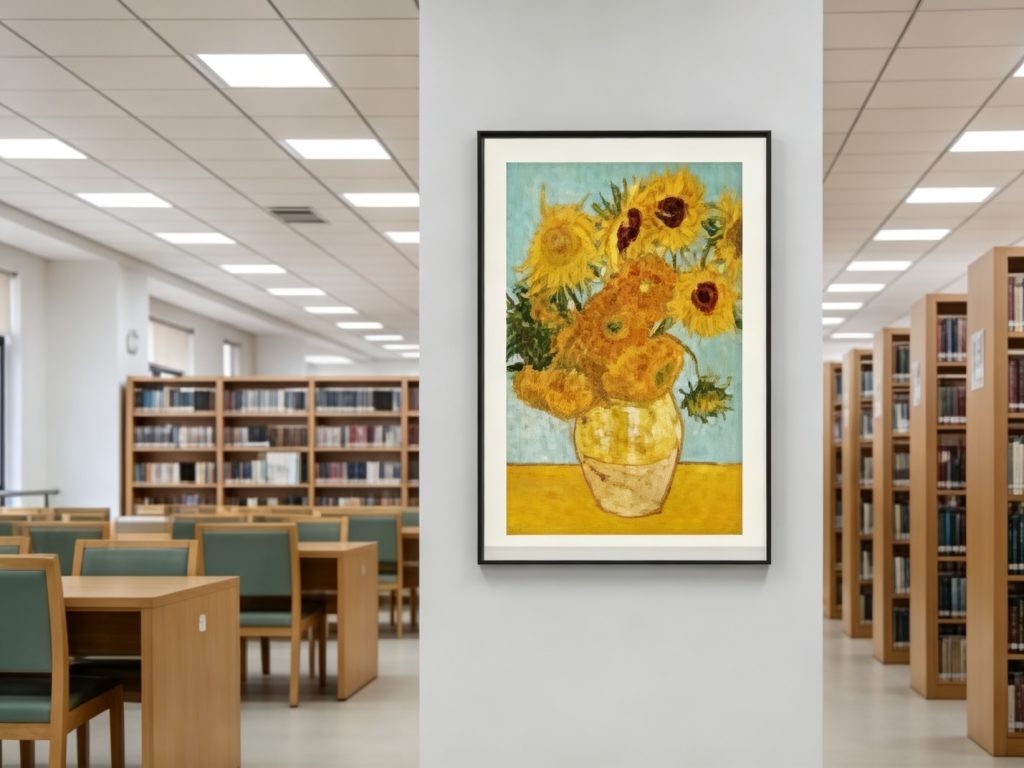
What Is Digital Art Signage?
Digital art signage—also called wall art digital signage display or digital canvas—is a display screen mounted on a wall that presents artwork, photography, and branded content in a format that resembles a traditional framed painting.
The key distinction from standard digital signage is the form factor. Where conventional digital signage is designed for advertising, wayfinding, or information broadcast, digital art signage is designed to blend into the aesthetic of a space. It typically features:
- A fine frame (often solid wood) that resembles a traditional art frame
- A slim profile that mounts flush to the wall, often with only a few millimeters of gap
- Anti-glare display technology that presents artwork without the harshness of a typical screen
- Adjustable brightness optimized for art viewing rather than maximum visibility
In short: it looks like a painting, but it's a screen. A painting from afar, a screen up close.
How Does Digital Art Signage Work?
The technology behind digital art signage is simpler than you might expect.
The Basic Workflow
- Content Storage and Management: Artwork, photography, and branded content are uploaded to a content management system (CMS)—either on the device itself or via a cloud platform.
- Playlist Scheduling: You create a playlist that determines what content displays, when, and for how long. A gallery might rotate exhibitions daily; a hotel might switch between local art and promotional messages.
- Remote Publishing: Most modern solutions support cloud-based remote publishing, meaning you can update content across multiple displays from a single dashboard. No need to physically visit each screen.
- Display: The screen renders the content using display technology optimized for art—reduced backlight, anti-glare coating, and color calibration that replicates the look of printed artwork.
- Scheduled Power On/Off: To save energy, displays can be programmed to power on and off according to business hours, event schedules, or holiday calendars.
What You Need to Get Started
To deploy digital art signage, you typically need:
- A display device (32-inch to 43-inch is common for wall-mounted art displays)
- Mounting hardware (wall-mount brackets designed for flush installation)
- A content management system (cloud-based or on-device)
- Network connectivity (Ethernet or Wi-Fi for remote updates)
Many modern solutions are ready to use out of the box, with pre-installed application clients that require minimal setup.
Key Features to Look For in Digital Art Signage
When evaluating digital art signage solutions, here are the features that matter most:
1. Canvas-Grade Display Quality
The display should present artwork with natural color accuracy, anti-glare coating, and adjustable brightness. A screen that's too bright or too reflective will look like a screen, not a painting. Look for displays that use lossless gamma and anti-glare technology to achieve canvas-grade realism.
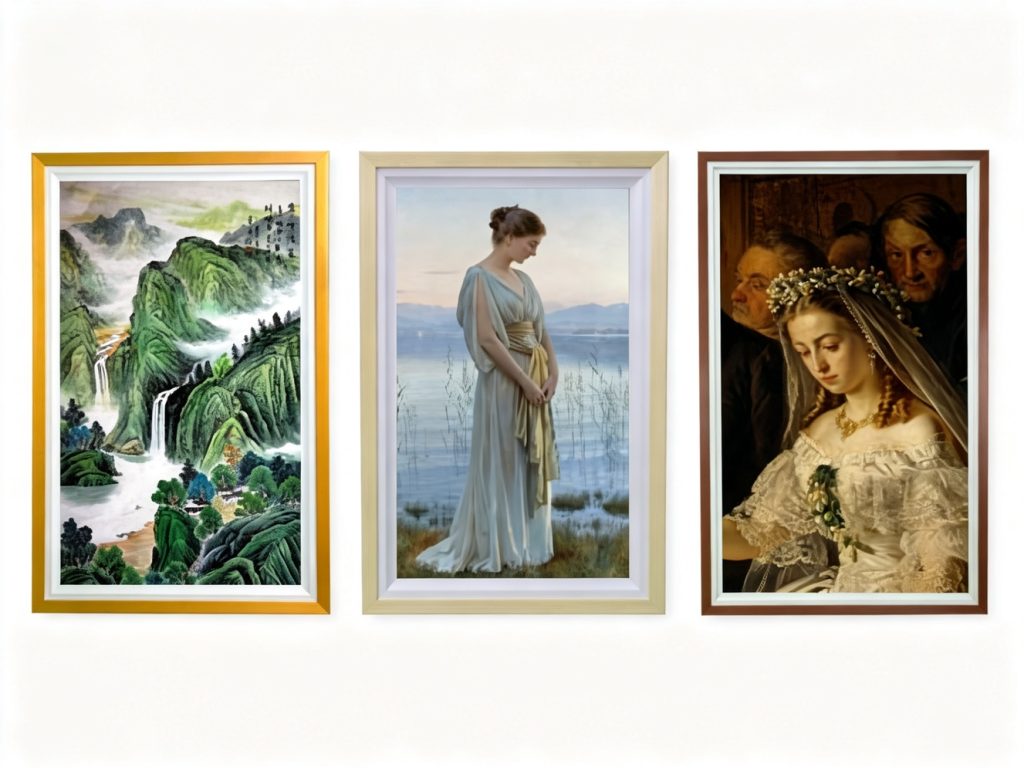
2. Slim, Flush-Mount Design
The gap between the display and the wall matters. A 5mm gap creates a clean, built-in look. Some solutions achieve even slimmer profiles. A thick, protruding screen breaks the illusion of a framed painting.
3. Smart Split-Screen Display
A single screen can show multiple content windows simultaneously—a video on one side, a static image on another, text in a third. This is useful for spaces that need to display art and information at the same time (e.g., a hotel lobby showing local art alongside event schedules).
4. Cloud-Based Playlist Management
Remote content management is essential for multi-location deployments. Look for solutions that support remote playlist scheduling, timed publishing, and multi-screen sync from a centralized dashboard.
5. Scheduled Power On/Off
Energy efficiency matters, especially for always-on displays. Customizable power schedules—multiple time slots, holiday calendars—reduce energy consumption and extend device lifespan.
6. OTA Remote Upgrades
Over-the-air firmware updates ensure the device stays current without manual intervention. This is especially valuable for multi-site deployments where physical access is limited.
7. Multiple Format Support
The display should handle video, audio, and image formats automatically, adapting to whatever content you upload.
8. Low Power Consumption
For always-on deployment, power efficiency is a practical concern. Displays operating at ≤65W (32") or ≤90W (43") are suitable for long-term, 24/7 operation.
9. Gravity Sensor and Auto-Rotation
If you need to switch between landscape and portrait orientation, a gravity sensor enables automatic rotation without manual reconfiguration.
10. USB Plug-and-Play
For locations without reliable network connectivity, USB plug-and-play allows content updates directly from a flash drive—no network required.
Looking for a ready-to-deploy option? Explore our digital art signage solution with 32/43" full HD screen, solid wood frame, and cloud-based playlist management.
Where Is Digital Art Signage Used?
Digital art signage is deployed across a wide range of environments where aesthetics and information need to coexist.
Hotels
Hotels use digital art signage to enhance spatial artistry, display event information, and welcome guests. A digital canvas in the lobby can rotate between curated art and seasonal promotions, creating an immersive guest experience without the cost of frequent reprints or reframing.
Real-world example: A Holiday Inn in Telford, UK, installed Vieunite Pro and Textura digital canvases—walnut-framed displays with anti-glare screens—and reported a rise in Christmas and New Year bookings after the installation, as the high-impact displays kept key messages front of mind for guests.
Art Galleries
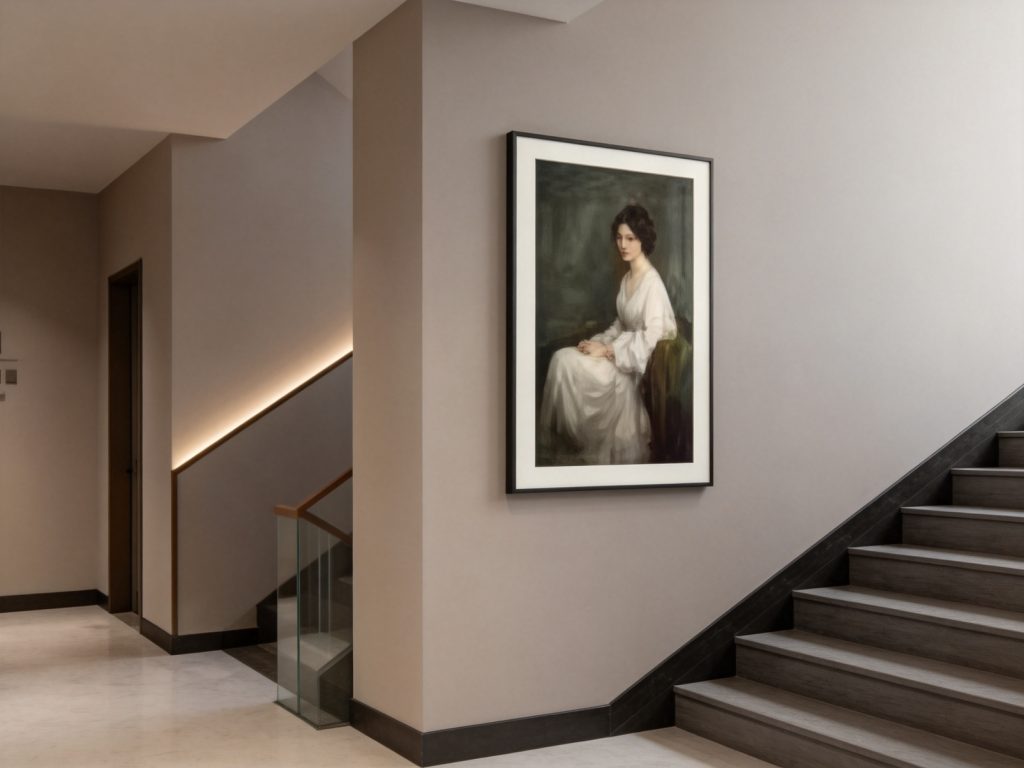
Galleries use digital art signage to display photography and art in bulk, replacing traditional frames for rotating exhibitions. This eliminates reframing costs and allows curators to update displays digitally rather than physically.
Real-world example: The Cleveland Museum of Art installed LED video walls that showcase 3D views of iconic artworks and dynamic exhibition updates, drawing visitor attention and creating an engaging, immersive tone. In Italy, M-Cube turned a historic 100-metre tunnel into the world's longest LED gallery, using 148 million pixels to create an immersive art environment.
Corporate Lobbies
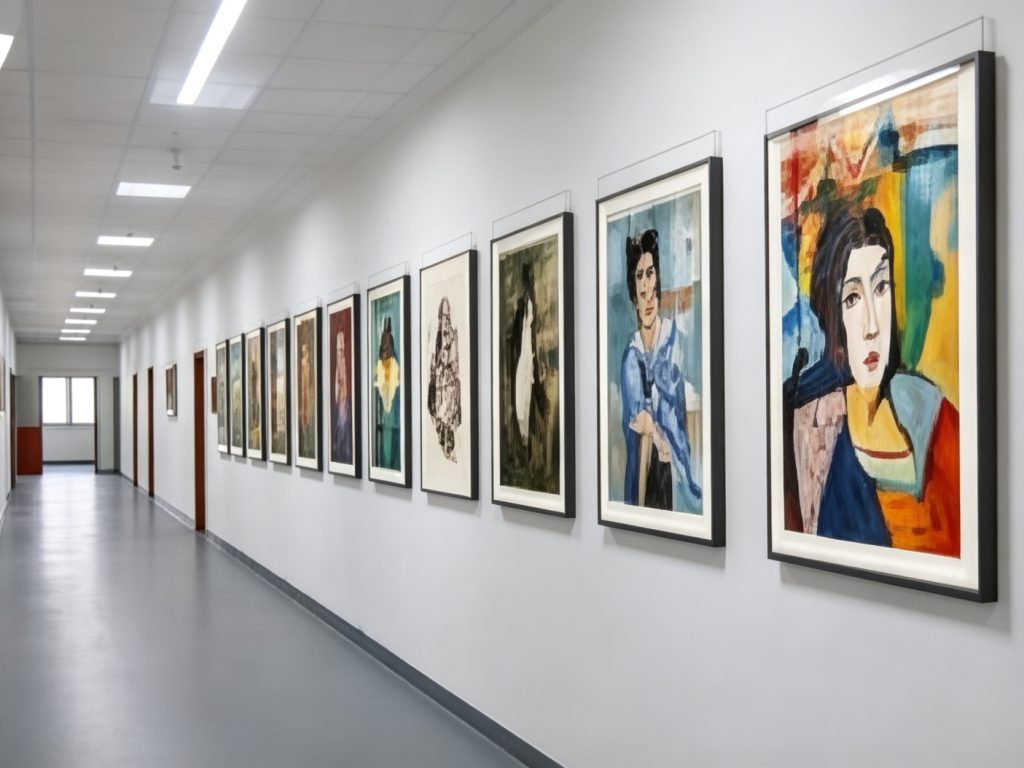
Corporate lobbies use digital art signage to create a professional, modern impression. A digital canvas can display generative art, seasonal visuals, or branded content that reinforces company identity.
Real-world example: A Toronto office tower installed a 90-foot vertical LED display in its atrium lobby as a permanent digital art installation. The content responds to live data inputs—time of day, weather, seasonal changes—creating a continuously evolving visual experience.
Home Decor
Homeowners use digital art signage to rotate art pieces and family photos, keeping living spaces fresh and inspiring without the cost of buying new artwork.
Art Training Centers
Art training centers use digital art signage to display student works, teaching achievements, and exhibition information. The high-fidelity display captures brushstrokes and color details with precision.
Libraries
Libraries use digital art signage to rotate art masterpieces and cultural content, creating a reading atmosphere. Scheduled power on/off reduces energy consumption during closed hours.
Government Communications
Government offices use digital art signage for policy interpretation and public information publishing. Cloud sync ensures timely updates across multiple locations.
Digital Art Signage vs. Traditional Frames
How does digital art signage compare to traditional framed art?
| Aspect | Traditional Frames | Digital Art Signage |
|---|---|---|
| Content flexibility | Static—changing art requires physical replacement | Dynamic—rotate content digitally |
| Ongoing costs | Frequent reframing, printing, shipping | One-time hardware + cloud subscription |
| Space efficiency | One frame = one artwork | One display = unlimited artworks |
| Update speed | Days or weeks | Seconds |
| Environmental impact | Paper waste, transportation emissions | Reduced printing and shipping |
| Aesthetic | Authentic canvas texture | Canvas-grade display with anti-glare |
The trade-off is straightforward: traditional frames offer authenticity and zero power consumption; digital art signage offers flexibility, scalability, and long-term cost savings for spaces that rotate content frequently.
How to Choose the Right Digital Art Signage
If you're considering digital art signage, here's what to prioritize:
1. Display Size
32-inch and 43-inch sizes are common for wall-mounted art displays. Choose based on viewing distance and wall space. A 43-inch display works well for larger lobbies; 32-inch suits corridors and smaller rooms.
2. Resolution and Display Performance
1920×1080 FHD resolution is standard. Look for brightness in the 300–350 cd/㎡ range (bright enough for indoor visibility, not so bright that it looks like a TV) and a contrast ratio of at least 1200:1.
3. Frame Design
A solid wood frame provides the most authentic look. Verify that the frame is designed to mount flush to the wall (5mm gap or less) for a built-in appearance.
4. Content Management
Choose between cloud-based management (ideal for multi-location deployments) and USB plug-and-play (ideal for locations without reliable network). Many solutions support both.
5. Integration Capabilities
If you need to integrate with existing systems (e.g., IoT platforms, scheduling tools), check for API support and compatibility.
6. Power Consumption
For always-on deployment, look for displays operating at ≤65W (32") or ≤90W (43"). Lower power consumption reduces operating costs and environmental impact.
Want to see how these specifications translate into a real product? Learn more about our wall art digital signage display.
Frequently Asked Questions
What is a wall art digital signage display?
A wall art digital signage display is a screen designed to present digital artwork and commercial content like a framed painting. It features a slim frame, anti-glare display technology, and typically mounts flush to the wall. Unlike standard digital signage, it's optimized for aesthetic integration into a space.
How does art digital signage work in galleries and hotels?
Art digital signage uses a content management system and playlist scheduling to rotate images and videos. It supports remote publishing, split-screen display, and scheduled power on/off. In galleries, it replaces traditional frames for rotating exhibitions; in hotels, it combines art display with promotional messaging.
Can digital art signage display both images and videos?
Yes. Most solutions support mixed image and video rotation, multi-format playback, and smart split-screen multi-window display.
Is digital art signage easy to install?
Most solutions use wall-mount brackets and slim-profile designs. Installation typically takes a few hours per display. Detailed installation guides and technical support are usually provided.
How long does deployment take?
Deployment typically takes 1–2 weeks from order confirmation, including hardware setup, platform configuration, and content onboarding.
Conclusion
Digital art signage—and specifically the wall art digital signage display—represents a practical evolution of the traditional framed painting. It preserves the aesthetic of a gallery wall while adding the flexibility of digital content management.
For hotels, galleries, corporate lobbies, and other spaces where art and information need to coexist, digital art signage offers a way to enhance ambiance, streamline communications, and reduce long-term costs associated with printing and reframing.
Whether you're an interior designer specifying displays for a hospitality project, a gallery curator looking to rotate exhibitions more efficiently, or a facilities manager seeking a more dynamic lobby experience, digital art signage is worth considering.
Ready to explore digital art signage for your space? Learn more about our digital art signage solution—a wall art digital signage display with 32/43" full HD screen, solid wood frame, 5mm wall gap, and cloud-based playlist management.
Have questions? Contact our team for a free consultation.